
Free download
Free Photoshop Actions for pro skin retouching
The 5 actions I use on every high-end retouch, now free for you. Frequency separation, dodge & burn, colour fix and a film black & white, with my brushes included.
- 5 actions
- Brushes included
- Install guide (PDF)
- Free for client work
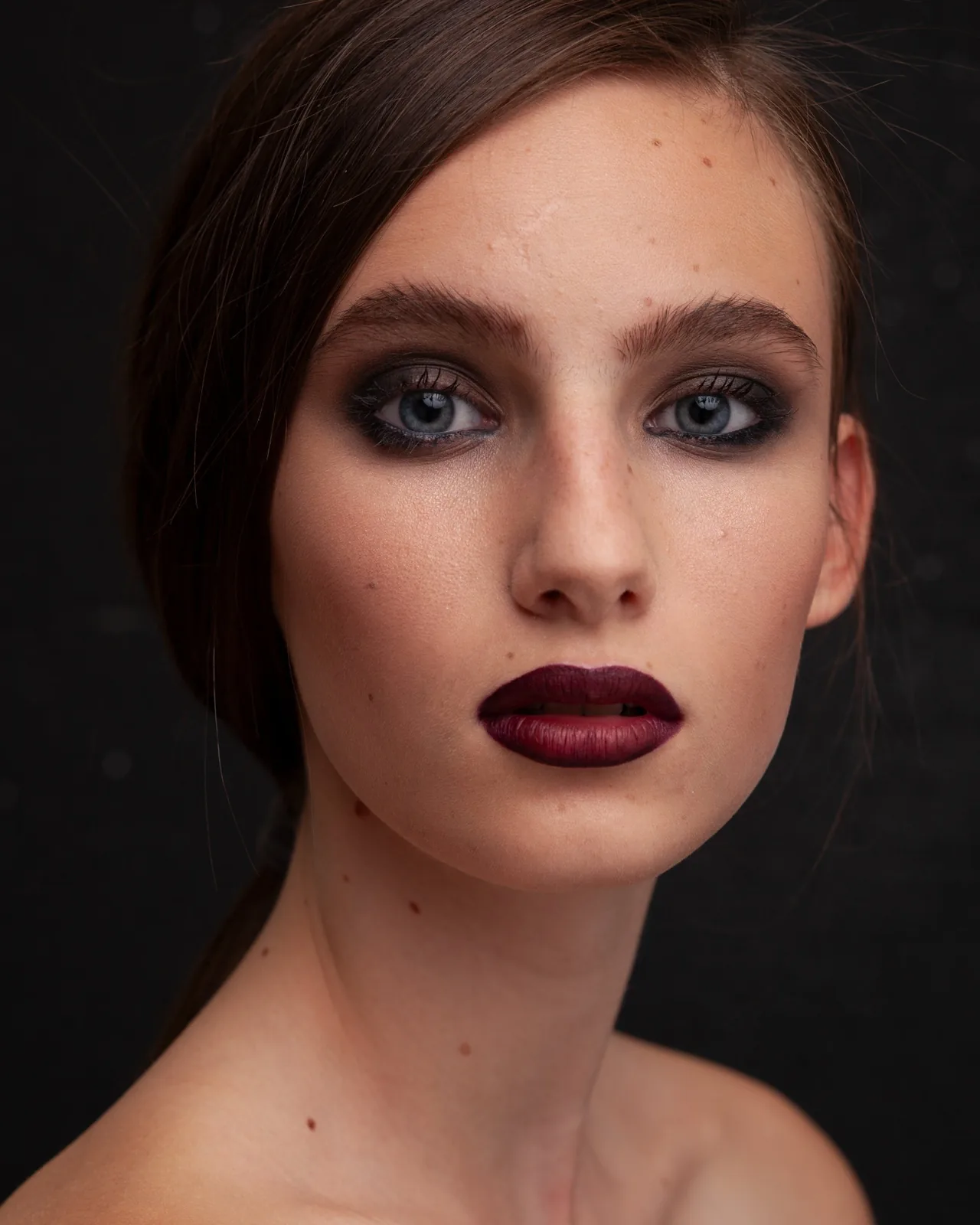
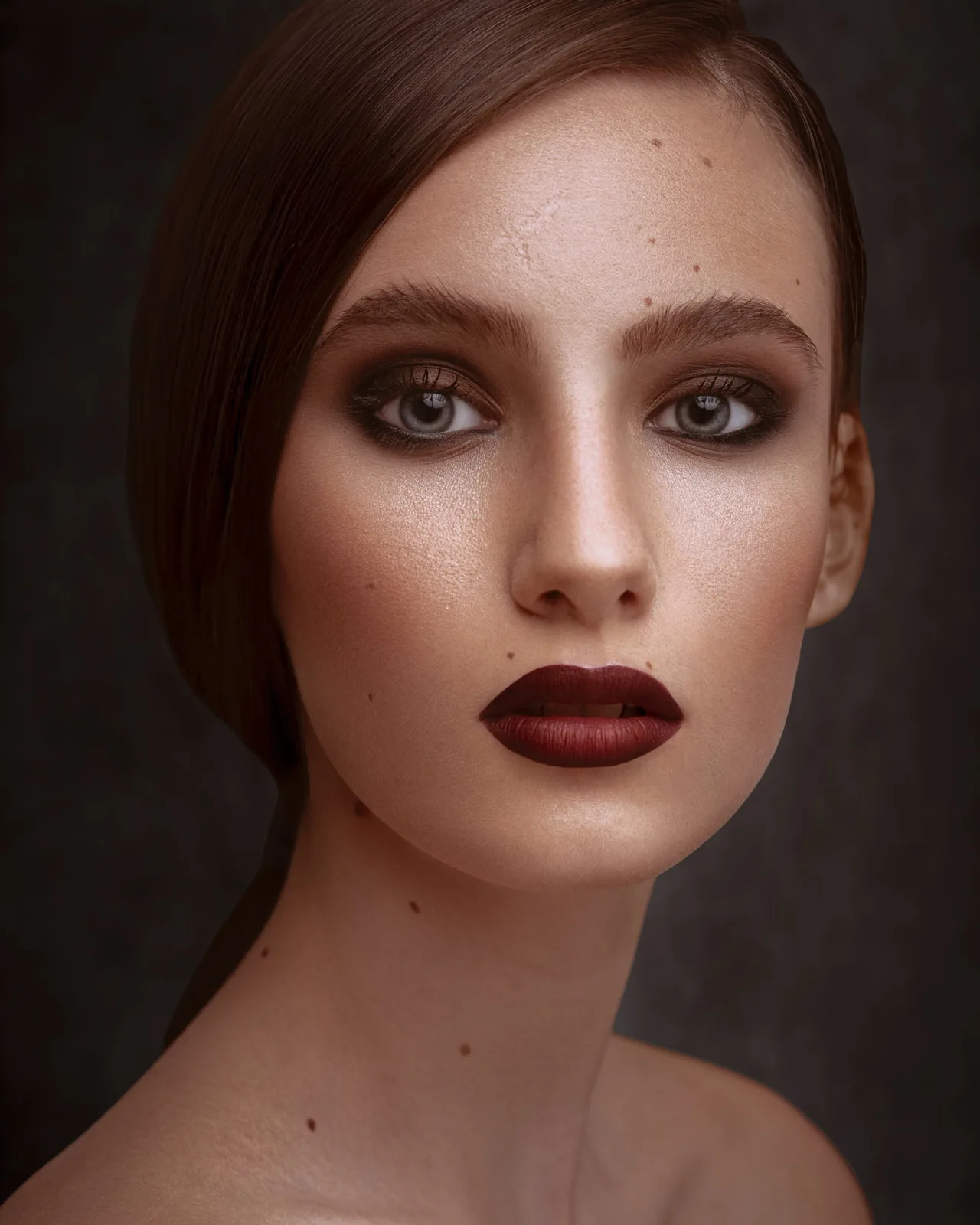
What's inside
5 actions, one clean workflow
Frequency Separation – 8 Bits
Splits your photo into Texture and Color layers in one click. Heal blemishes on Texture, smooth tones on Color. For JPGs and 8-bit files.
Frequency Separation – 16 Bits
The same setup with the correct maths for 16-bit RAW and TIFF files, so the texture stays clean, not harsh.
Dodge & Burn
My dodge & burn setup: a soft-light Work layer plus helper views that show uneven skin. Selects the Dodge Burn brush for you.
Color Fix
A Color-mode layer with its own brush for fixing redness, patchy skin and uneven tones, without touching texture.
Black & White
A finished film-style black & white: tone curve, gradient map, fine grain and a soft vignette. Needs the latest Photoshop.
Brushes, guide & licence
Dodge Burn and Color Fix brushes, a 2-page install guide (PDF) and a simple licence: free for personal and client work.
Install in 1 minute
How to install
- Unzip the download.
- In Photoshop open Window → Actions, menu ☰ → Load Actions, choose BYPULAK_Free_Actions_v1.atn.
- Open Window → Brushes, menu ☰ → Import Brushes, choose BYPULAK_Free_Brush.abr.
- Select your photo layer and press Play ▶.
Free download
Get BYPULAK Free Actions v1
ZIP · about 135 KB · Photoshop CC 2020+ · Windows & Mac
- 5 actions + 2 brushes
- Install guide (PDF)
- Free for personal & client work
Thank you!
Your download is ready
If it didn't start, click below.
Download BYPULAK Free ActionsNeed help installing? See the PDF inside the zip, or message us on WhatsApp.
Good to know
Questions
Are the actions really free?
Yes. Free for personal and commercial (client) work. You just can't resell or re-share the files.
Which Photoshop do I need?
Photoshop CC 2020 or newer, on Windows or Mac. The Black & White action uses the new Grain adjustment layer, so it needs the latest Photoshop.
I get a "brush not available" message
Install the brushes first (Window → Brushes → Import Brushes → BYPULAK_Free_Brush.abr), then play the action again.
8 Bits or 16 Bits?
Check Image → Mode. Most JPGs are 8 Bits; RAW and TIFF files are often 16 Bits. Use the matching Frequency Separation action.
Can you retouch my photos instead?
Yes. Send one photo for a free test edit and see the BYPULAK finish before you pay.